
How to Make a Company Video Without Hiring a Film Crew
Most companies assume a corporate video starts with booking a crew, a studio and a shoot day. That assumption is what kills the project. The quote comes back at several thousand dollars, calendars will not line up, and the video quietly dies in a planning doc.
Here is the part nobody tells you: a large share of corporate video never needed a film crew in the first place. Most of what makes a video feel professional happens after the footage exists, not while it is being captured. If you already have raw material, or can capture simple material yourself, the rest is an editing problem.
The short version
Audit the footage you already own, define what the video is for, fill the gaps with stock and motion graphics, and let post-production do the heavy lifting. A shoot is the exception, not the starting point.
Step 1: Audit the footage you already own
Before you spend anything, find out what is already sitting on your servers. Most companies are surprised.
| Source | Why it is useful |
|---|---|
| Webinar and Zoom recordings | Usually the biggest untapped asset. A 45-minute webinar holds several strong two-minute segments. |
| Conference and event footage | Keynotes, panels, booth walkthroughs, award moments. |
| Phone video from the field | Site visits, installations, factory floors, team moments. |
| Product photography | Stills animate beautifully with motion and depth. |
| Screen recordings | Software demos, dashboards, workflows. |
| Older marketing videos | Footage from a shoot three years ago is still usable footage. |
Make a simple list of what exists and roughly how long each piece runs. That list is your raw material.
Step 2: Decide what the video is actually for
This step gets skipped constantly, and it is the one that determines whether the video works. A video that introduces your company to a cold prospect is a different edit from one that trains new hires, which is different again from a conference opener. Same footage, three completely different cuts.
Write one sentence: "After watching this, the viewer should ______." If you cannot finish that sentence, you are not ready to edit yet.
Step 3: Fill the gaps without a shoot
You will almost always be missing something. There are three ways to fill a gap that do not involve a crew.
Stock footage
For establishing shots, industry context and abstract concepts, licensed stock is usually better than anything a small crew would capture in an afternoon. It is also a fraction of the cost.
Motion graphics
Statistics, process diagrams, timelines and product features are all clearer as animation than as filmed footage. A well-built graphics sequence often replaces an entire scene you were planning to shoot.
An AI presenter
If your video needs someone on camera delivering a script, and getting your executive into a studio is the bottleneck, an AI video presenter can deliver that script instead. You write the words, choose an avatar, and the presenter segment is generated. It works particularly well for policy updates, product explainers and multi-language versions of the same message.
Step 4: If you do capture footage yourself, do these five things
Sometimes you genuinely need a shot only you can get: your facility, your team, your product in use. A modern phone is more than good enough, provided you respect a few basics.
- Record horizontally unless the video is specifically for social. Vertical footage severely limits how it can be cut.
- Fix your audio first. Bad audio ruins a video faster than bad picture. Use a clip-on microphone, or record in a quiet room close to the phone.
- Put light on faces. A window in front of the subject beats any light behind them. Never film someone against a bright window.
- Hold every shot longer than feels natural. Ten seconds of a steady shot gives an editor options. Three seconds gives them nothing.
- Shoot more than you need. Extra angles and extra takes cost you nothing and save the edit.
Step 5: Be honest about when you do need a crew
This approach does not fit every project. Hire a local crew when the video is a brand centerpiece where production value is the message, when you need controlled lighting on a person for a long-form interview, when you are capturing a live event that happens once, or when the environment is genuinely difficult.
The real saving
Knowing which projects need a shoot and which do not is most of the money. Not every video needs a crew, but some do, and spending on the wrong one is the expensive mistake.
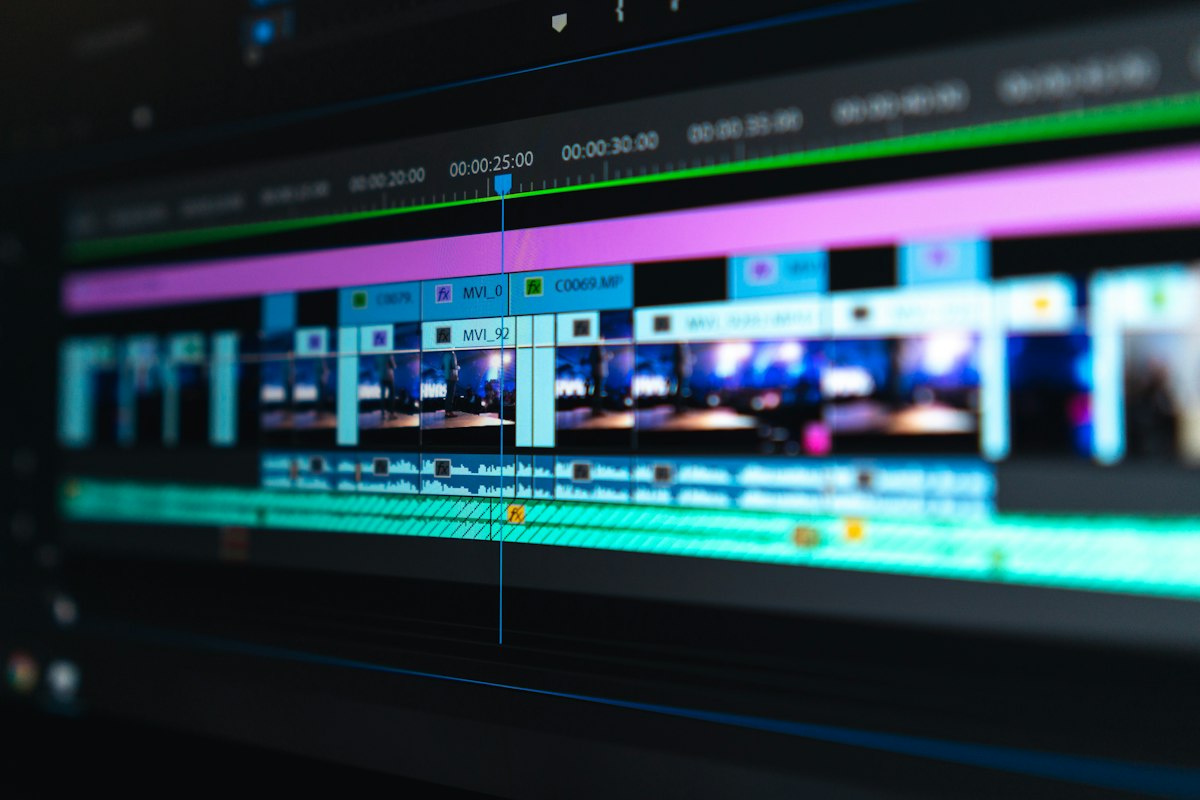
Step 6: The edit is where the video is actually made
This is the part that surprises people. Given decent raw material, post-production is where a video becomes professional.
| Stage | What it does |
|---|---|
| Structure and pacing | Choosing the order and cutting the dead weight. |
| Sound work | Cleaning up noise, evening out levels, adding music that supports the message. |
| Color correction | Making footage from four different sources look like one film. |
| Motion graphics | Lower thirds, data, transitions, logo treatment. |
| Captions | Most corporate video is watched without sound. Captions are not optional. |
| Versioning | One edit becomes a website cut, a social cut and a vertical version. |
What to send your editor
- All raw footage, unedited and at original quality. Never send a compressed or pre-trimmed version.
- Your logo as a vector file, plus brand colors and fonts if you have them.
- Any script or key messages.
- One sentence on the goal, and the runtime you need.
- One or two reference videos whose style you like.
Upload it all to a shared drive rather than emailing files. Email compression destroys video quality.
How we work
Dvideo Productions is a post-production studio. We do not film. Clients send us what they have, whether that is webinar recordings, phone footage, event coverage, photos or nothing but a script, and we build the finished video from it, using stock, motion graphics and AI presenters to fill whatever is missing.
We are located in Westchester, NY, and work with clients nationwide through a fully remote process. Most projects never require a meeting in person.
Not sure if your footage is enough?
Tell us what you have and how long you want the video to be. We will tell you honestly whether it is enough to build what you want, before you commit to anything. You can also see finished examples here.
Get a straight answer